
Best HVAC Software for Contractors in 2026: An Honest Buyer's Guide
By SubcontractorHub Editorial Team·Published June 2026·Updated September 2026
Quick Answer
The best HVAC software for contractors in 2026 is SubcontractorHub for teams who need quoting, CRM, and installation project management in one platform. For large enterprise fleets running 30+ technicians on high-volume service calls, ServiceTitan still leads. For single-trade service shops, Housecall Pro or Jobber offer easier onboarding at lower cost. But if your HVAC business runs multi-week installations, wants to cross-sell solar or roofing, or is tired of juggling three separate tools, SubcontractorHub was purpose-built for exactly that problem. Book a demo to see it live →
The HVAC software market in 2026 is crowded and genuinely confusing. ServiceTitan dominates the conversation, but the price tag is enterprise-sized. Housecall Pro and Jobber are approachable, but built around service calls, not installations. Generic CRMs like HubSpot can work, but typically need months of customization before they fit a contractor's workflow.
This comparison covers what HVAC software actually needs to do, how the leading platforms stack up, and when each one makes sense (and when it doesn't).
What Good HVAC Software Actually Needs to Do
HVAC businesses aren't all the same. A 3-person shop running tune-ups and emergency repairs has completely different software needs than a 20-person team installing commercial HVAC systems across 6-week project timelines. Most platforms are built for one profile or the other. Neither handles both well..
Before evaluating any platform, clarify which of these best describes your operation:
- High-frequency service calls (tune-ups, repairs, emergency dispatches): you need fast dispatch, hvac scheduling, and invoicing. ServiceTitan and Housecall Pro were built for this.
- Multi-week installations (commercial HVAC, new construction, system replacements): you need project stage tracking, equipment ordering, permit management, and crew coordination. SubcontractorHub is built for this.
- Both: you need a platform flexible enough to handle daily service calls and longer installation projects. This is the hardest profile to serve well, which is why most HVAC companies end up running two tools.
With that context, here are the five capabilities that separate the platforms worth considering from the ones that will leave you frustrated:
- Field-ready quoting. Your tech or sales rep needs to produce an accurate, branded proposal on-site instead of calling back to the office for pricing. Platforms with built-in quote builders close jobs at higher rates.
- Sales pipeline visibility. Every lead should move through a visible pipeline with automated follow-up when a homeowner goes quiet. Without this, jobs fall through the cracks.
- Installation project management. For jobs that take more than a day, you need staged workflows: equipment on order, permit filed, installation scheduled, inspection passed, invoice sent. This is not the same as hvac dispatching or simple service call scheduling.
- Financing integration. Monthly payments close HVAC jobs that cash buyers would decline. Platforms that let you present financing options in the proposal , not tacked on as an afterthought, see measurably higher close rates.
- Real mobile usability. Your team is in the field. If the platform doesn't work well on a phone or tablet, it won't get used. Adoption drives ROI, not features.

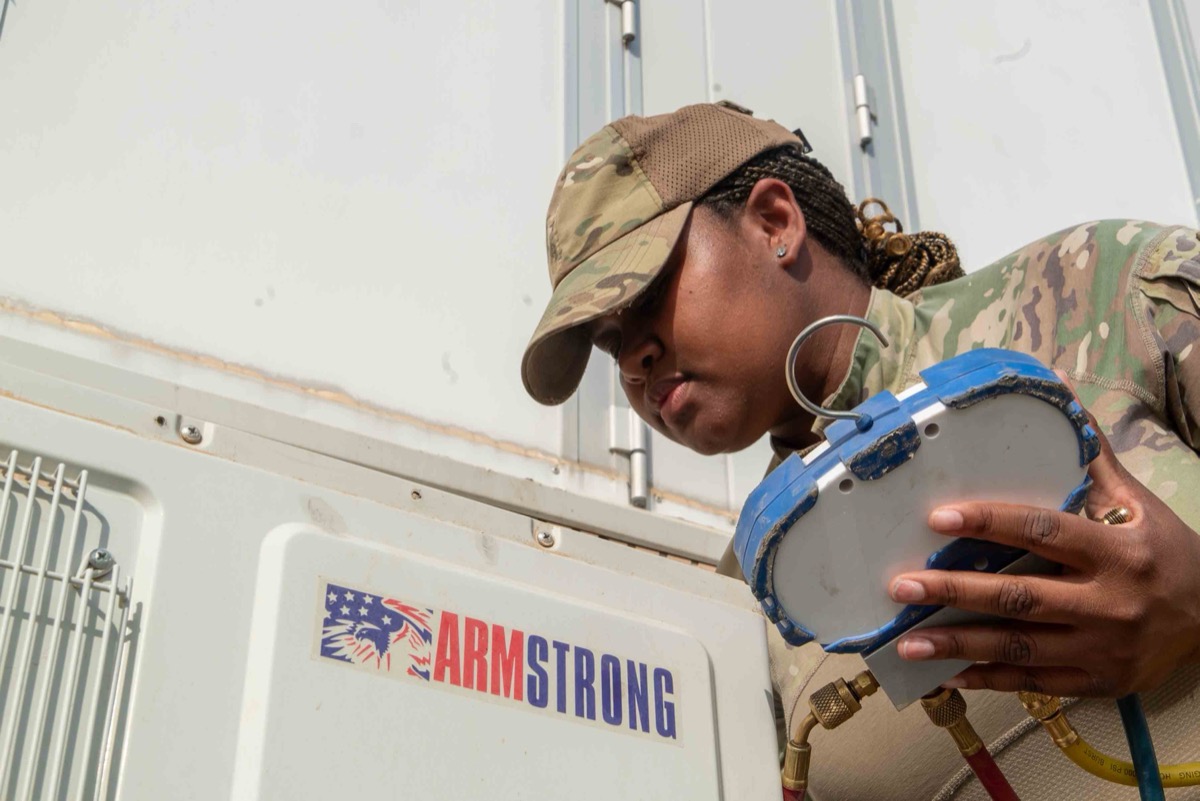
The best HVAC software for contractors puts quoting, work orders, and job updates in your technician's hands in the field.
Free HVAC Calculators
Calculate the right AC unit size for any home — enter square footage, climate zone, and ceiling height for a BTU and tonnage recommendation.
Show homeowners exactly how much their current system costs to run — and how much a higher-SEER replacement would save per month.
HVAC SEER Savings Calculator →
Compare SEER ratings side-by-side to show annual energy savings and the payback period on an equipment upgrade.
SubcontractorHub
See How Top Contractors Close More Jobs
AI proposals, sales pipeline, and project management — all in one platform.
- ✓AI-powered proposals in the field
- ✓CRM built for contractor sales
- ✓Project tracking from sale to install
30 minutes. No commitment.
HVAC Software Comparison: Top Platforms in 2026
Platform-by-Platform Breakdown
SubcontractorHub: Best for Installation-Focused HVAC Contractors
SubcontractorHub was built for the installation side of the trades, not the service-call side. HVAC contractors running multi-day or multi-week system installations get the most value: AI-assisted quoting in the field, a CRM that tracks every lead from first contact to signed contract, and project management built for staged workflows (not just dispatch scheduling). When evaluating the best HVAC software for contractors, this end-to-end coverage from quote to close-out is the key differentiator.
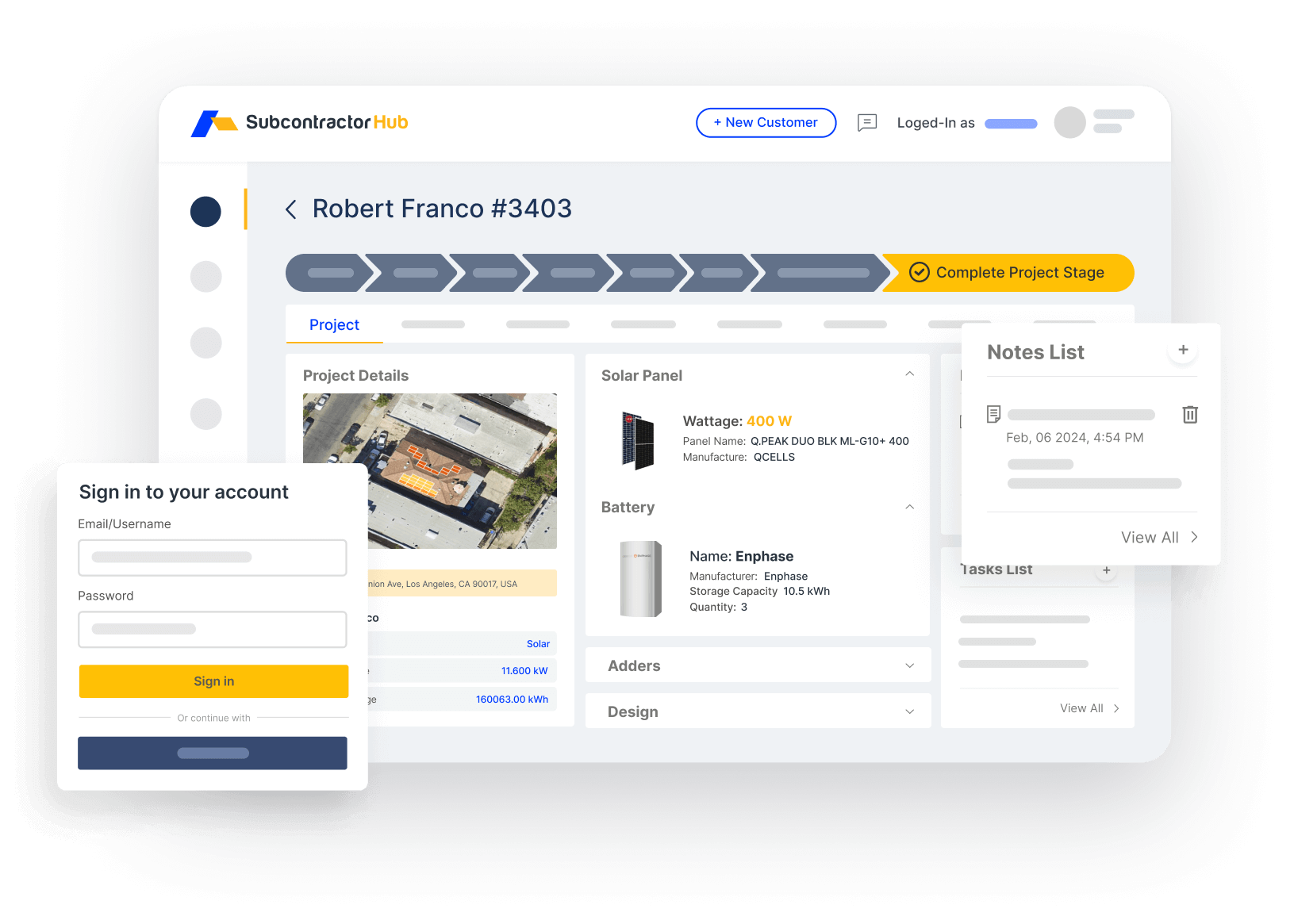
Sales Velocity CRM: track every HVAC lead from first call to signed contract
Pros: Multi-trade support (run HVAC, solar, and roofing in one login); AI field quoting; built-in sales pipeline; installation-grade project management; referral program. 2–3 week onboarding.
Cons: Less optimized for high-frequency daily service calls and emergency dispatch than ServiceTitan or Housecall Pro. If your business is 90% tune-ups and repairs with no sales pipeline to manage, some features will go unused.
ServiceTitan: Best for Large Enterprise HVAC Fleets
ServiceTitan is the market-leading enterprise HVAC platform, and the price reflects it. Dispatch, call center, and fleet management at scale are genuinely excellent. The platform was purpose-built for high-volume HVAC, plumbing, and electrical service companies running large technician fleets. Its field service management capabilities — including GPS tracking, hvac dispatching, and mobile app for technicians — are best-in-class for that use case.
Pros: Best-in-class dispatch and call center for large fleets; deep accounting integrations; comprehensive reporting; mobile app used by tens of thousands of technicians.
Cons: $245–$400+ per technician per month plus $15,000–$25,000 mandatory onboarding. For a 10-person HVAC team, first-year cost commonly exceeds $50,000. 6–8 week onboarding. Not purpose-built for installation project management or solar add-on work. See our full ServiceTitan alternatives breakdown.
Housecall Pro: Best for Small HVAC Service Shops
Housecall Pro is a well-designed, mobile-first field service platform for small residential HVAC, plumbing, and electrical companies. It excels at hvac scheduling, dispatching, and hvac invoicing for same-day or next-day service calls. If your operation is primarily tune-ups, repairs, and preventive maintenance agreements, Housecall Pro is worth a look at $49–$109/month.
Pros: Easy onboarding (1–2 weeks), approachable pricing, solid mobile app, good review automation and marketing features.
Cons: Built for service calls, not installation jobs. No multi-stage project management, no AI quoting, no solar or roofing support. Teams that grow into system replacements or add-on trades almost always need a second tool.

The best HVAC software for contractors connects field service management with the homeowner experience, from first consult to signed work order.
Jobber: Best for Very Small HVAC Operations
Jobber is a popular starting point for small HVAC shops. Clean interface, fast onboarding, and reasonable pricing at $49–$129/month. It handles scheduling, quoting, and invoicing well for solo operators or teams under 5 people. The client communication tools (automated reminders, follow-ups) are notably good.
Pros: Low cost to start, very fast onboarding, strong hvac scheduling and invoicing for service calls, good client communication automation.
Cons: Limited sales CRM depth: no visual pipeline or rep performance dashboards. No project management for multi-day installs. Most growing HVAC companies outgrow Jobber within 12–18 months.
FieldPulse: Best Mid-Market Option Outside the Big Three
FieldPulse is a solid mid-market option with broader feature coverage than Jobber or Housecall Pro. Multi-trade capable, reasonable pricing, and well-regarded for customer support. A good choice if you want to grow beyond a starter platform without committing to ServiceTitan pricing.
Pros: Good feature breadth, solid support reputation, multi-trade capable, reasonable pricing at $99+/month.
Cons: No AI quoting, no solar-specific proposal workflow, no built-in referral program. Installation-grade project management is limited compared to SubcontractorHub.
Why SubcontractorHub Is the Best HVAC Software for Installation Contractors
Most HVAC software was built for the service call model: dispatch, fix, invoice, repeat. ServiceTitan, Housecall Pro, and Jobber all come from that tradition. It works well until you start running system replacements, commercial installs, or jobs that span multiple weeks. At that point, dispatch software runs out of runway.
SubcontractorHub was designed for the installation side:
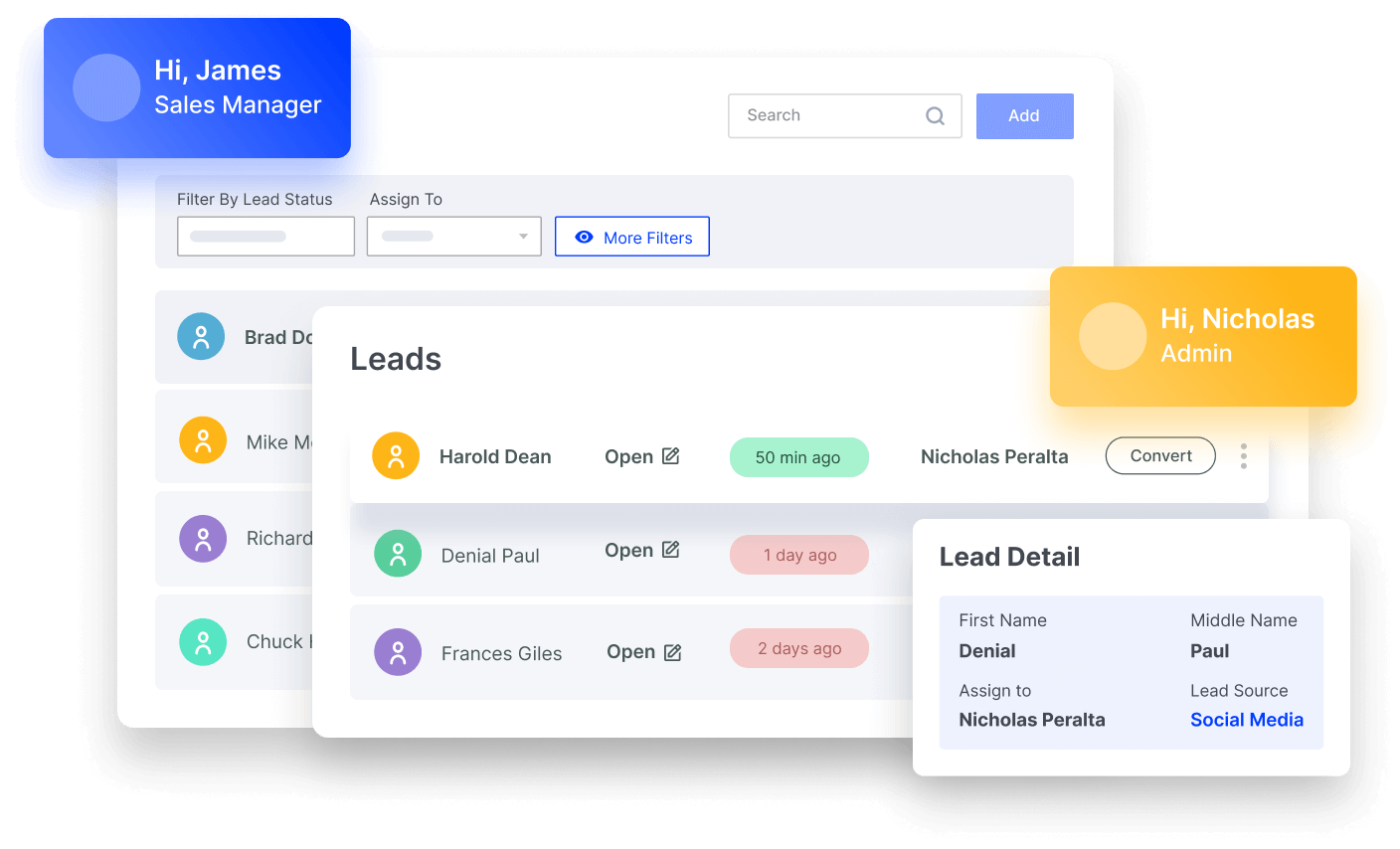
EasyQuote: generate AI-assisted HVAC proposals in the field before leaving the job site
EasyQuote generates AI-assisted, branded proposals on a tablet in the field. Your sales rep can produce an accurate quote and present financing options before leaving the customer's driveway, closing jobs the same day instead of losing momentum over a 3-day email chain.
Sales Velocity is a CRM built for contractor sales, not adapted from a generic B2B sales stack. You get a clear view of every active HVAC opportunity without having to chase your team for status updates.
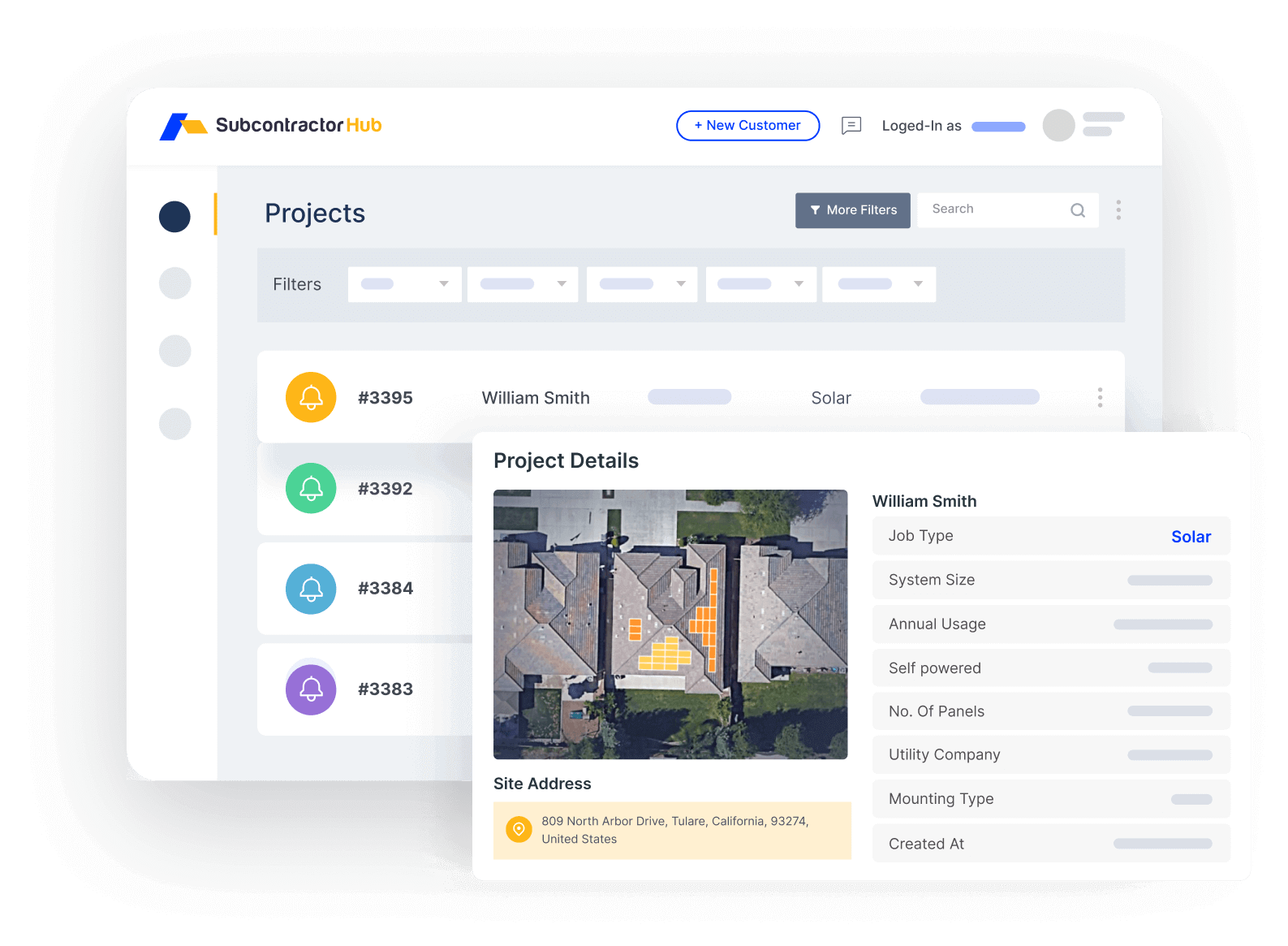
Project Management: track HVAC installations from signed contract to final inspection
Project Management picks up the moment a job is sold. Stage your HVAC installations through equipment order, permit filing, installation, inspection, and close-out, all in the same platform where you closed the sale. Everything captured during the sale carries over. Nobody has to re-enter it.
For HVAC contractors who also do roofing or solar, running all three trades through one platform is what actually saves time. Your team learns the tool once. The data stays in one place. You don't manage separate logins, separate reporting, or separate support contracts for each trade.
Who SubcontractorHub Is NOT the Right Call For
- High-volume service fleets (30+ techs, daily dispatch focus). If your business runs primarily on emergency calls and tune-up routes with minimal installation volume, ServiceTitan's dispatch and call center features deliver at that scale.
- Solo operators just getting started. Housecall Pro or Jobber at $49/month will cover the basics without the overhead. SubcontractorHub's ROI compounds with team size.
- Pure service-call businesses with no sales pipeline. If you don't have a sales team generating leads and proposals, many of Sales Velocity's features won't apply to your workflow.
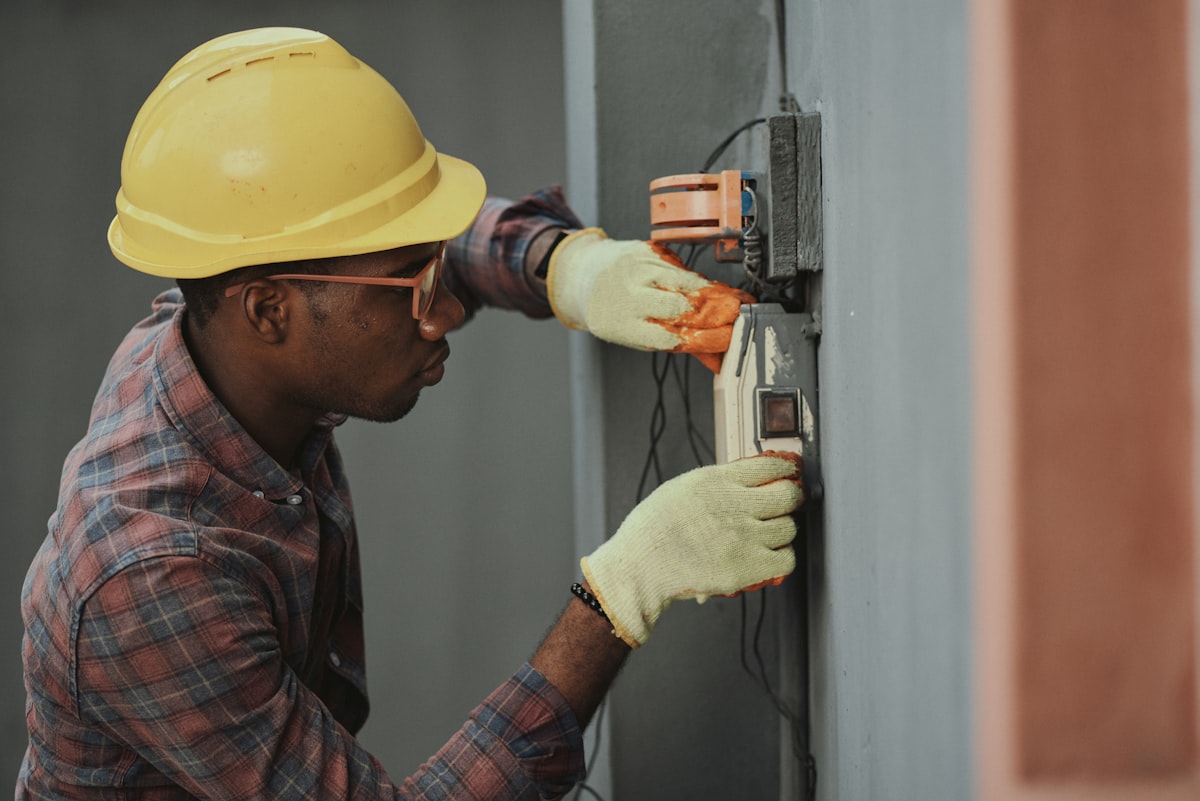
HVAC installation jobs require more than dispatch — the best HVAC software for contractors tracks every stage from work order to final sign-off.
How to Choose HVAC Software: A 2026 Buying Guide
Every platform above demos well. The reason HVAC software purchases go wrong is almost never a missing feature — it is a mismatch between how the software thinks about work and how your company actually makes money. A dispatch-first tool will fight you on a three-week install; an install-first tool will feel heavy if you run forty same-day service calls. So the useful buying guide is not a longer feature list. It is a way to weight the handful of things that will decide whether your crews use the thing in ninety days.
Score each shortlisted platform out of 100 using the weights below, and score it from the demo rather than the website. The third column is the part that matters: ask the vendor to do that specific thing live, on their screen, with your kind of job loaded. Anything a salesperson has to “follow up on” is a no.
| Criterion | Why It Decides the Purchase | Make Them Show You | Weight |
|---|---|---|---|
| Job-type fit: service vs. installation | The single biggest predictor of whether a rollout sticks. Service tools optimize the day; install tools optimize the project. | Have them run your most complex multi-stage install end to end, and a same-day service call, in the same demo. | 25 |
| Field usability on a phone | If a tech needs three taps and a pinch-zoom to close a work order, adoption dies quietly and your data goes with it. | Ask a rep to complete a work order on an actual phone, not a tablet or a desktop emulator. | 20 |
| Quoting and proposal speed | Quote turnaround is the closest thing to a revenue dial in HVAC. Hours-to-quote beats a prettier PDF. | Time them building a full replacement quote with equipment options from scratch. | 15 |
| Automation and AI | In 2026 this is where platforms genuinely diverge. Automated follow-up and scheduling recover jobs a human pipeline drops. | Ask which automations ship on by default versus which require a paid implementation to configure. | 12 |
| Financing at the point of sale | Presenting a monthly payment in the home changes close rates more than any feature in this table. | Have them show a monthly payment inside the proposal, not in a separate lender portal. | 10 |
| Accounting sync | A broken QuickBooks sync becomes a permanent part-time bookkeeping job. | Ask what happens to a changed invoice after it has already synced — the answer reveals the integration's depth. | 10 |
| Onboarding time and all-in cost | Per-tech pricing, implementation fees, and data migration routinely double the quoted number. | Get time-to-live and total year-one cost in writing, including migration and training. | 8 |
Two scoring notes. First, weight job-type fit higher still if your mix is lopsided — if installs are 80% of revenue, a platform that treats them as an afterthought cannot be rescued by a good mobile app. Second, treat any criterion scoring below half as disqualifying rather than averaging it away; a 78 with a broken accounting sync is worse in practice than a 68 that holds together.
What Changed in 2026: Automation and the All-in-One Question
Two things shifted this year. The first is that automation stopped being a differentiator on paper and started being one in practice — most platforms now advertise AI scheduling and automated customer follow-up, but the gap between vendors is whether those automations are on by default or a configuration project you pay an implementation partner to finish. Ask that question directly; it is the cheapest way to tell a shipped feature from a roadmap one.
The second is that the all-in-one pitch got more credible for contractors running more than one trade. An HVAC company that also sells roofing or solar used to accept two systems and a spreadsheet between them; consolidating quoting, CRM, and project management into a single platform removes the reconciliation work entirely. That is a real reason to prefer a multi-trade platform — but only if you actually run multiple trades. If HVAC service is your whole business, an all-in-one is surface area you are paying for and not using. Our guide to what HVAC software costs breaks down where the money actually goes, and the HVAC field service software comparison is the better starting point if dispatch, not installation, is your core workflow.
Frequently Asked Questions
What is the best HVAC software for contractors in 2026?
SubcontractorHub is the best HVAC software for installation-focused contractors who need quoting, CRM, and project management in one platform. For high-volume service dispatch at scale, ServiceTitan leads. For small service shops on a budget, Housecall Pro or Jobber are faster to start.
How do I choose HVAC software for my company?
Score a shortlist of two or three platforms out of 100 from the demo, not the website, weighting job-type fit (service calls versus multi-stage installations) at 25, mobile usability for techs at 20, quoting speed at 15, automation at 12, point-of-sale financing at 10, accounting sync at 10, and onboarding time plus all-in year-one cost at 8. Treat any criterion scoring below half as disqualifying rather than averaging it out - a high total with a broken QuickBooks sync is worse in practice than a lower score that holds together.
Should HVAC contractors buy an all-in-one platform or best-of-breed tools?
It depends on how many trades you run. If you sell HVAC alongside roofing or solar, an all-in-one platform removes the reconciliation work between systems and is usually the better call. If HVAC service is your entire business, an all-in-one is surface area you pay for and do not use, and a focused field service tool with a solid accounting integration will fit better. The deciding question is not which is better in the abstract but whether your revenue actually spans multiple trades.
What features should HVAC business software have?
HVAC software should include field-ready quoting, a sales CRM for pipeline tracking, installation project management for multi-stage jobs, financing integration, job scheduling and dispatch, and mobile tools your techs will actually use in the field.
Is ServiceTitan worth it for HVAC contractors?
For large HVAC companies with 30+ technicians running high call volumes, ServiceTitan delivers. For smaller or growing HVAC contractors, the $300–$500/tech/month cost and 6–8 week onboarding are hard to justify. SubcontractorHub gets most teams live in 2–3 weeks.
Can I use one platform for HVAC, roofing, and solar?
Yes, SubcontractorHub supports all three trades in one login. Most other platforms are trade-specific. AccuLynx is roofing-only. ServiceTitan is HVAC-focused. JobNimbus primarily serves roofing.
What's the difference between HVAC field service management and HVAC project management software?
Field service management handles dispatch and scheduling for same-day or next-day service calls. Project management software tracks multi-stage installation jobs: equipment orders, permits, installation milestones, inspections. SubcontractorHub covers both.
Related Guides
- Best HVAC CRM Software for Contractors in 2026
- Best HVAC Proposal Software for Contractors in 2026
- Best HVAC Scheduling Software in 2026
- Best HVAC Project Management Software in 2026
- Best HVAC Software for Small Business in 2026
- Best Contractor Job Tracking Software in 2026
- Best Housecall Pro Alternatives
- Best ServiceTitan Alternatives
- Best Roofing CRM Software
- Best Solar CRM Software
- → SubcontractorHub for HVAC Contractors
- → HVAC Contractor Software
- HVAC Lead Management Software
- Best HVAC Inventory Management Software in 2026
- Best HVAC Invoice Software in 2026
What SubcontractorHub Does for HVAC Contractors
30-minute demo, no enterprise sales deck. Walk through a live HVAC workflow in real time: AI-assisted quote, signed contract, scheduled crew.
Book a DemoHVAC Software, HVAC CRM, Contractor Tools